


30 Oct Is it time to replace your server?
Most businesses don’t think about their server until something goes wrong. It sits in a closet or a rack doing its job for years, and then one day a drive fails, the warranty turns out to have lapsed, or the software it runs stops getting security updates.
The better time to plan is before any of that happens. Here’s how we help clients decide.
Five signs it’s time to plan a replacement
- The warranty is ending or already gone. Once a server is out of warranty, a failed part can mean days of waiting rather than next-day replacement.
- It runs Windows Server 2016 or older. Microsoft ends extended support for Windows Server 2016 on 12 January 2027. After that there are no more security updates, which is a problem for cyber insurance and for anyone with compliance obligations.
- It’s slow at the things that matter. Month-end reports that take all afternoon, or remote desktop sessions that lag when everyone’s logged in, usually mean the server is out of headroom.
- You’re out of space. Drives full, no free bays to add more, and you’re deleting things to make room.
- It’s five or more years old. Older hardware fails more often, and it wasn’t designed for today’s security threats.
If two or more of those sound familiar, it’s worth starting the conversation now rather than after a failure.
Replace it, or move to the cloud?
Not every server needs a like-for-like replacement. Before recommending hardware, we look at what the server actually does:
- File shares can often move to Microsoft 365 (SharePoint and OneDrive), which you may already be paying for.
- Email almost certainly belongs in Microsoft 365, not on a local server.
- Line-of-business applications such as accounting, ERP, practice management or manufacturing systems often still run best on a server in your office, especially when they need to be fast or must work when the internet is down.
The answer is often a mix: move what belongs in the cloud, and replace the server with one sized for what’s left. That’s frequently a smaller, cheaper server than the one you have.
If you need a server: HPE’s current line-up
We specify HPE ProLiant servers for most clients. There are two current generations to choose from:
ProLiant Gen12 (Intel Xeon 6). The workhorses most businesses need.
– DL360 Gen12: a compact 1U server for virtualisation hosts and application servers.
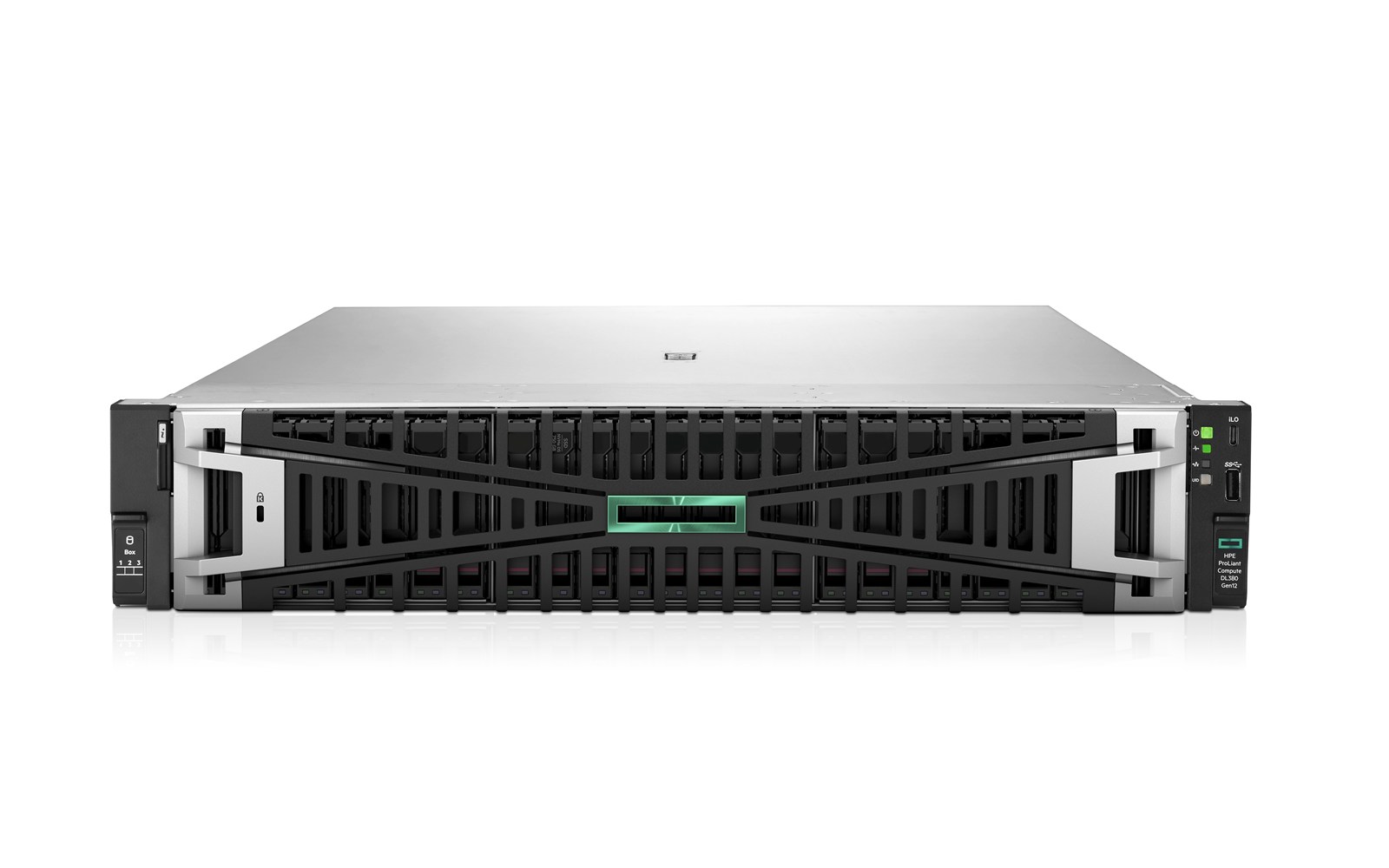
– DL380 Gen12: the 2U all-rounder, with room for more drives and graphics cards.
– Both are managed through HPE iLO 7, which checks the server’s firmware against HPE’s Silicon Root of Trust every time it starts.
ProLiant Gen13 (AMD EPYC), launched October 2026. HPE’s newest servers, aimed at heavier computing and AI.
– DL525 Gen13: a compact server for compute-intensive work.
– DL585a Gen13: a larger platform for running AI models and similar workloads on site.
– Both add HPE iLO 8 security features, including automatic drive encryption and requiring a second administrator to approve sensitive changes.
For a typical office running a few applications and some virtual machines, Gen12 is usually the right call and well proven. Gen13 makes sense if you’re planning to run AI tools on your own hardware or have unusually heavy computing needs. We’ll tell you honestly which fits.
What a replacement looks like with us
- Review what you run today: applications, data, users and growth.
- Recommend the right mix of cloud and on-site, with a quote you can plan around.
- Build and test the new server before it goes anywhere near your office.
- Migrate after hours or over a weekend, so your team comes in on Monday to a faster system.
- Monitor it from day one: hardware health, firmware, backups and warranty, so you hear about problems from us first.
Not sure where your server stands?
We’ll check its age, warranty, operating system and how hard it’s working, and tell you plainly whether it has years left in it or it’s time to plan. Book a consultation or call (704) 900-0530.
No Comments